OMNIS - CRM, billing and teamwork in one app
Our CRM for businesses that work for clients: from the deal to the payment, in the office, from home and in the field.
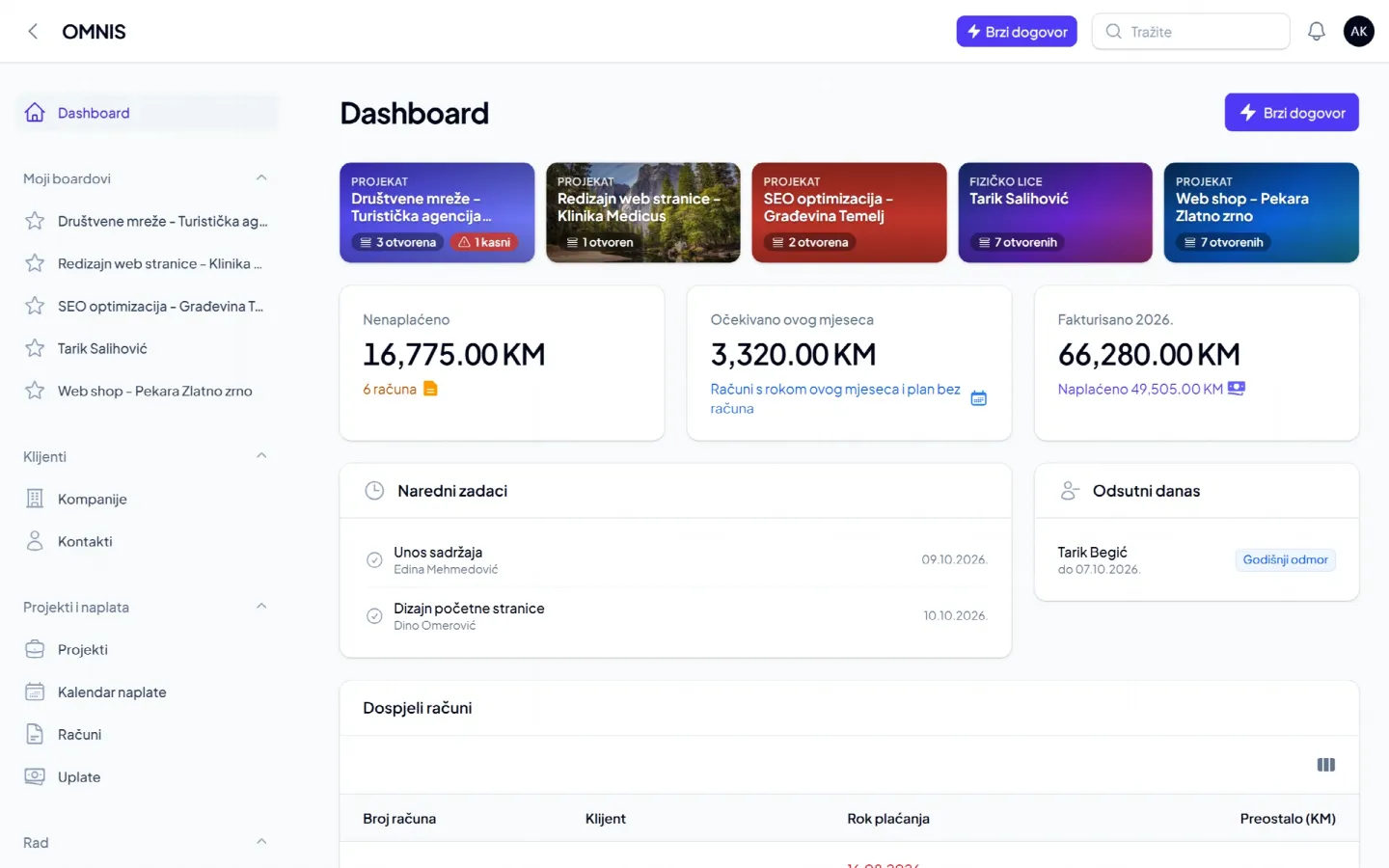
OMNIS is InnoTech's web app for clients, projects, tasks, service, billing, work time and documents. It runs on desktop and phone, and it replaced our earlier apps Repair.ba, Evidentor and InnoTech DMS.
What is OMNIS?
OMNIS is the CRM and business app we build at InnoTech. It keeps clients and projects, team tasks, service in the field and in the workshop, invoices and payments, work time and company documents in one place - so you know who owes you, who is doing what today, and no retainer or maintenance contract goes unbilled.
It runs in the browser on a computer, and on a phone you add it to the home screen like an app, with task notifications and a clock for work time. Nothing to install. Everything about it is on omnis.ba.
Who is OMNIS for?
- IT firms - projects with a payment plan in instalments, monthly support and maintenance, clients' access details in one place, on-site interventions as field tasks.
- Agencies (marketing, digital, creative, event and accounting) - a retainer per client invoiced on time, campaigns and projects on boards.
- Service companies - service visits from maintenance contracts with a service report, a workshop for devices clients bring in, a crew calendar, vehicles and tools with registration and service dates.
- Small businesses that have outgrown Excel - no ERP or expensive CRM, in the local language and without long training.
Modules
CRM: clients and projects
Companies, contacts and individuals, statuses from the first enquiry to regular client, and a summary of every client: debt, delay, last payment and open tasks. Projects are part of the CRM: what you agreed, when and for how much. Clients' access details (hosting, email, equipment) are stored encrypted and only administrators see them.
Boards and tasks
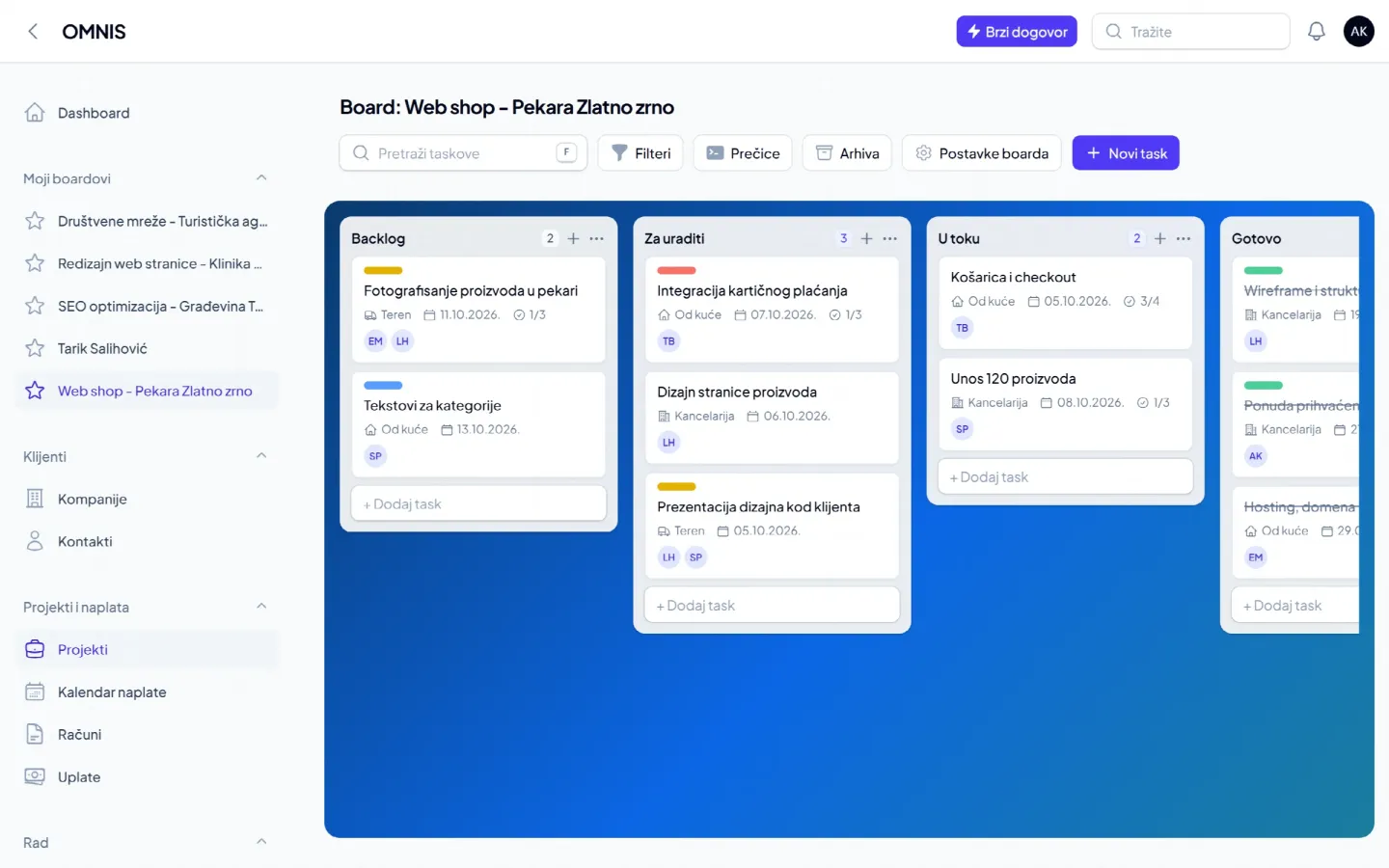
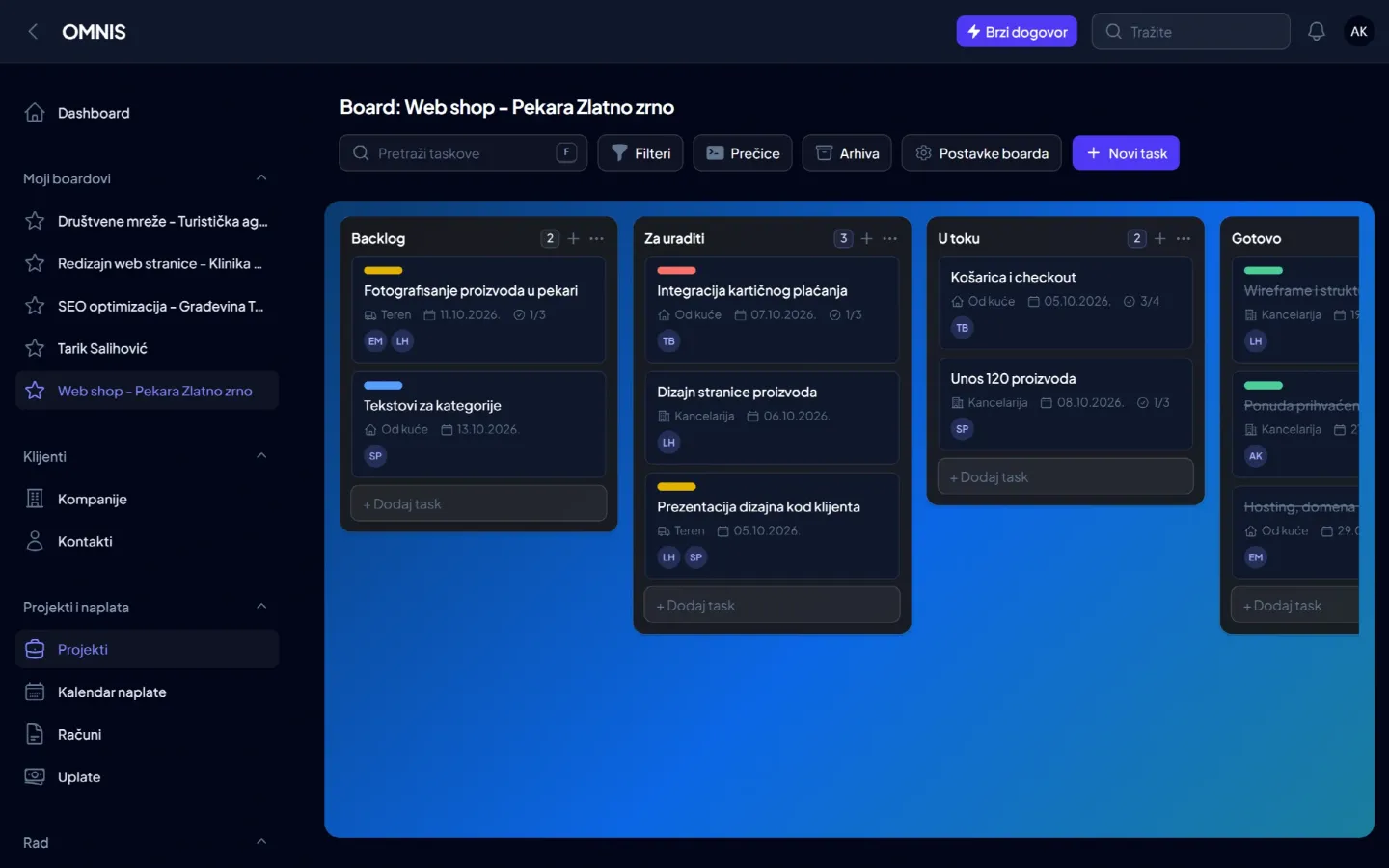
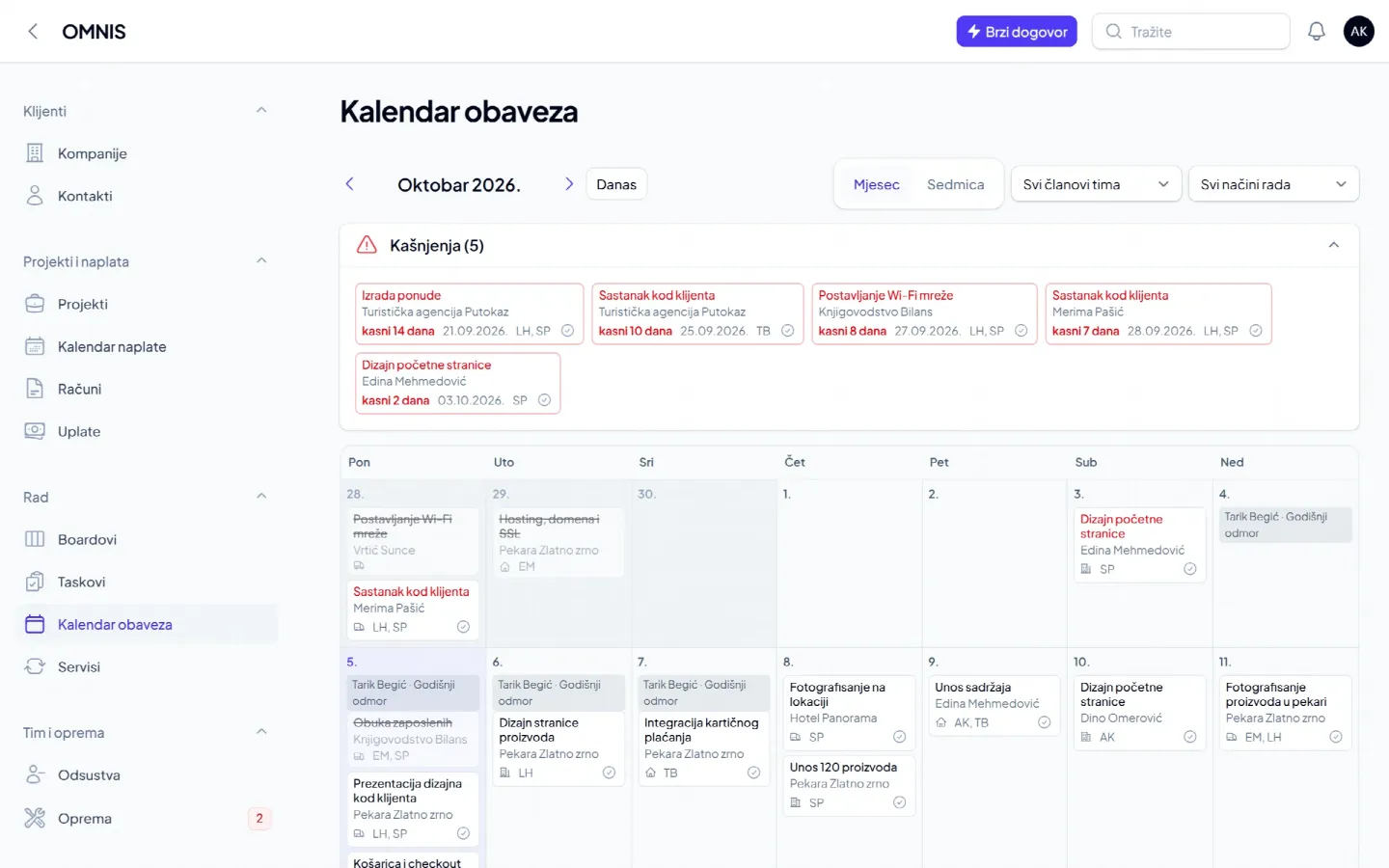
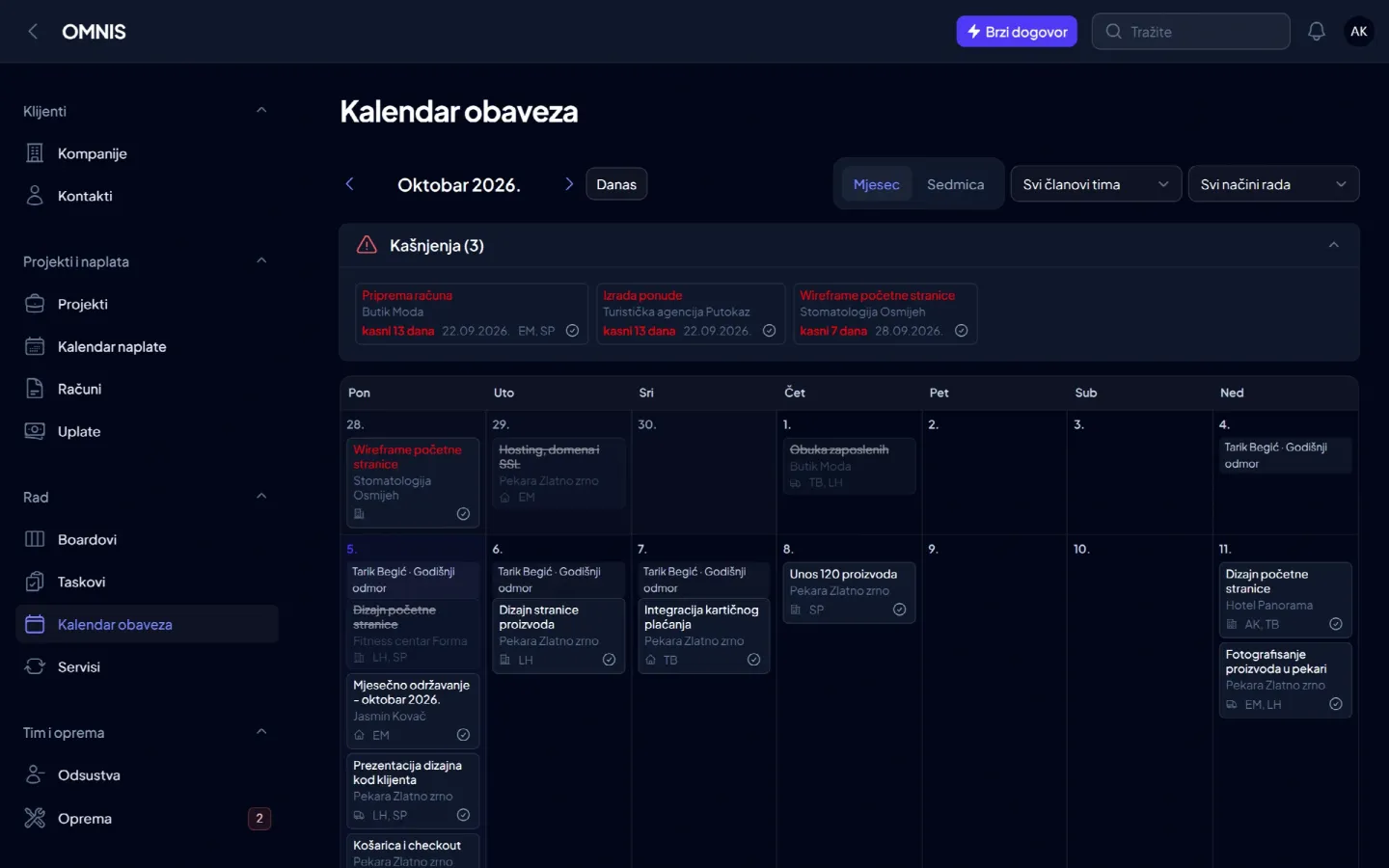
Boards per project, client and internal process (complaints, marketing), each with its own columns. A task has a due date, assignees, a checklist and a way of working: office, home or field. Kinds of task are your own forms with your own fields, e.g. a fault report or a work order. Workers see the boards the administrator gives them, the team calendar shows who is doing what and who is away, and tasks export to Excel.
Invoices and billing
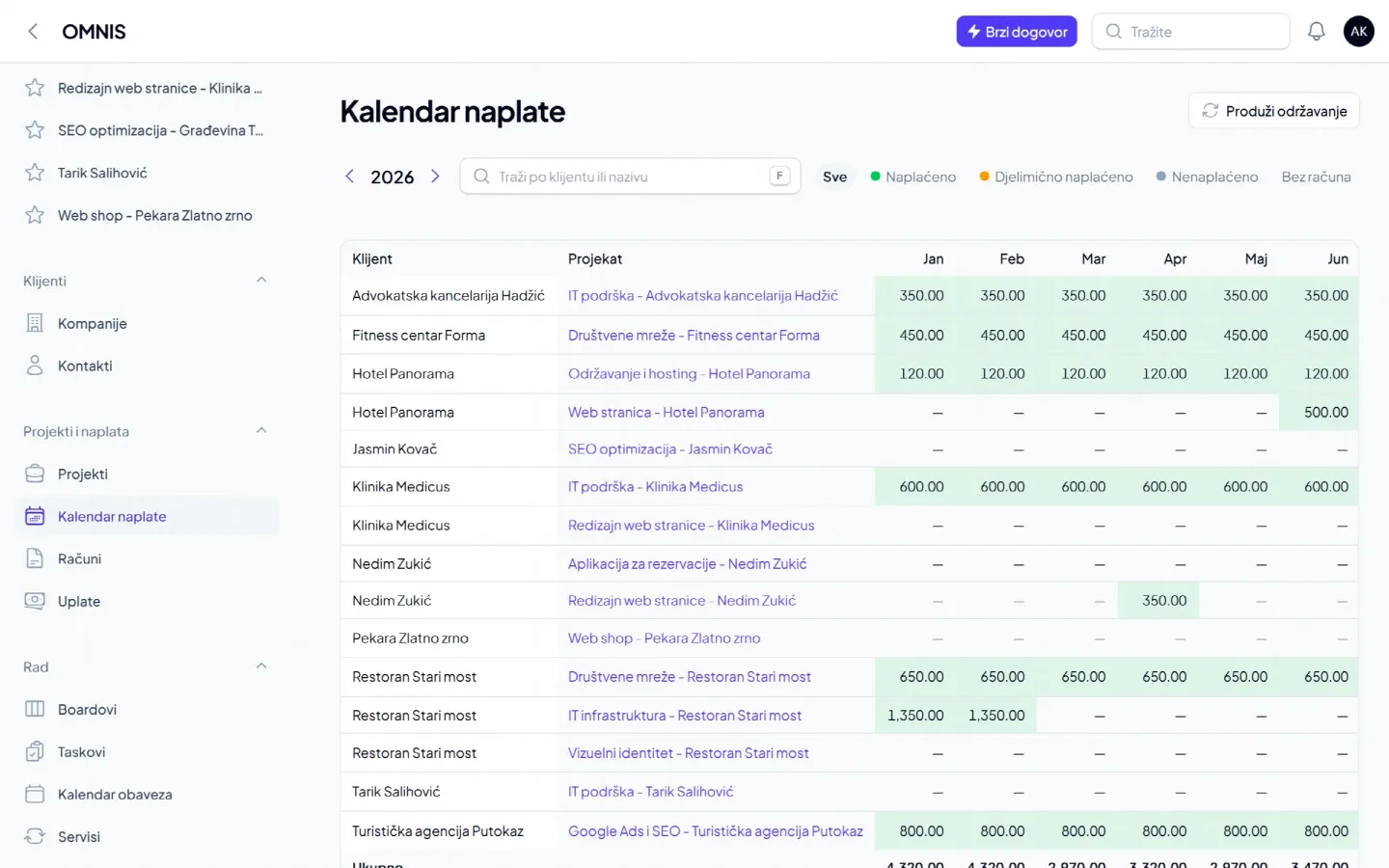
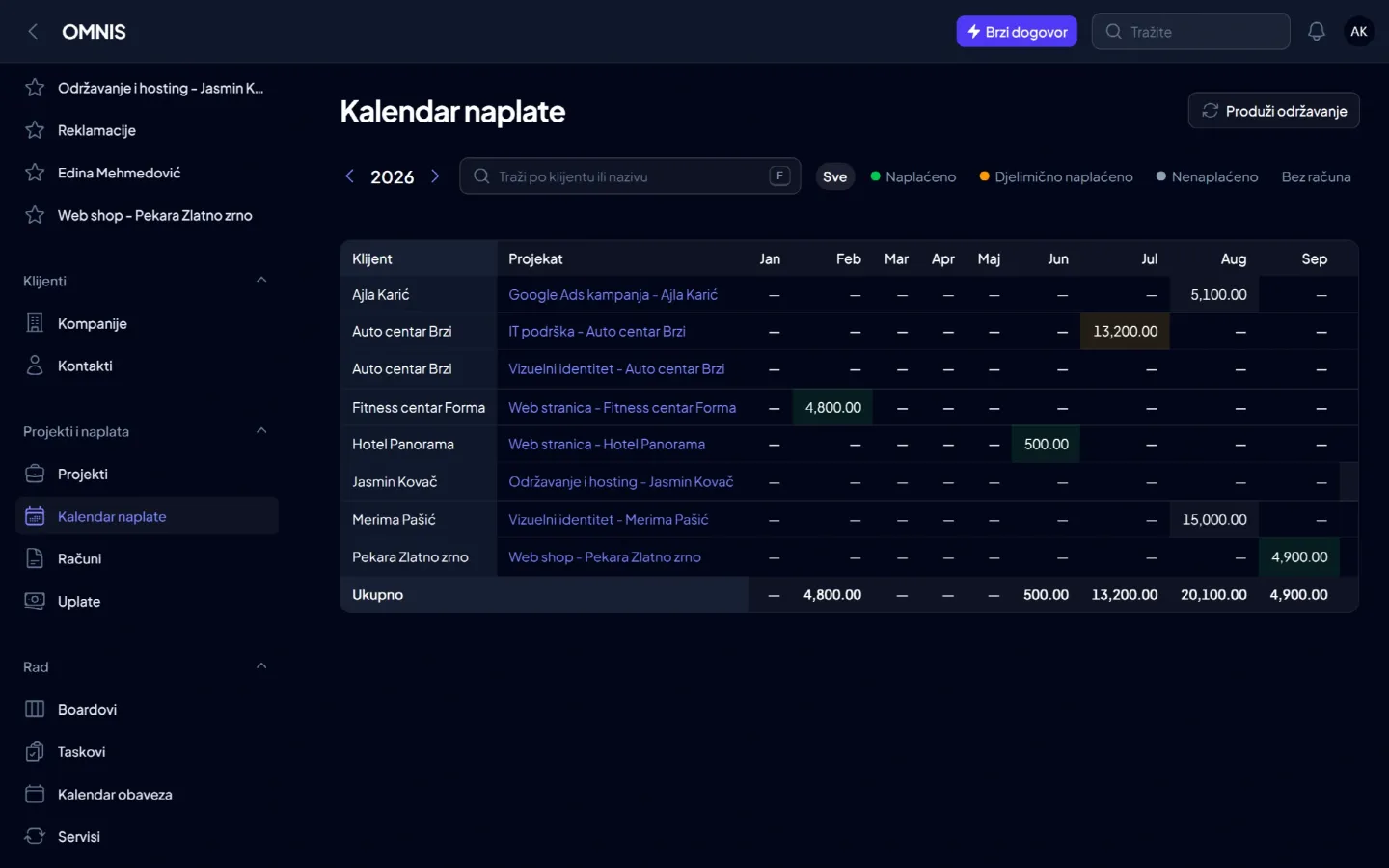
A payment plan per project or contract: advance, instalments, retainers and maintenance. An invoice with or without VAT (PDF or Word) is made from the plan in a few clicks, payments are entered from the bank statement, and the billing calendar shows the whole year: who paid, who is late and what is still to be invoiced. A new deal agreed at the client's is entered from the phone with Quick deal: client, project and payment plan in one step.
Service: field and workshop
Service visits are created from the maintenance plan, with a checklist, a crew and equipment, and end with a service report signed by the client. When a visit is done, OMNIS can add the next one on schedule by itself. In the workshop a device goes from intake and diagnosis, through approval and repair, to inspection and hand-over, with an intake receipt, a work order and a hand-over confirmation. A device you do not repair yourself is sent to an authorized or another service. Labour and parts are billed by invoice or paid at the counter.
Team and equipment
Clock in, break and clock out with one tap on the phone, and timesheets on the official working-time form, with public holidays and absences, as PDF or Excel. Holidays and sick leave are in the team calendar, and equipment (laptops, cameras, vehicles and tools) has registration and service dates and the history of who had what.
Documents
The company archive in categories, with access per team member and a warning when a document is about to expire. A document is linked to a client, project, piece of equipment or team member, and files added to tasks are documents too. Once the administrator connects the company's Google Drive, the files go there.
From the deal to the payment
- Client - a company or an individual, with contacts and billing details.
- Project - what you agreed, when and for how much.
- Payment plan - advance, instalments, extra services, a retainer or maintenance.
- Work - tasks in the office, from home and in the field, in the team calendar.
- Invoice and payment - an invoice from the plan, the payment from the statement, an overview of debt.
Data and security
The data is on servers in the European Union. Every company sees only its own data. The roles are administrator and worker: workers see their own boards and tasks, without prices and invoices. OMNIS does not issue fiscal receipts - your fiscal device still does that, and the fiscal receipt number is written on the invoice in OMNIS.
Pricing: you pay only for the modules you use
No per-user licences and no limit on team size: the price is per company, for the modules you switch on. CRM is the base, the rest is added when needed, and the whole team uses it. Current prices are on omnis.ba/en/pricing.
OMNIS replaced Repair.ba, Evidentor and InnoTech DMS
For years we built separate apps: Repair.ba for service technicians, Evidentor for working-time records and InnoTech DMS for company documents. Today OMNIS does their job in one app: Repair.ba became Service (field and workshop), Evidentor became Work time with timesheets, and InnoTech DMS the Documents module.
What is coming
Next we are working on preparing data for the accountant: incoming invoices and costs, importing bank statements, and the monthly books of issued and received invoices. OMNIS will not keep the books - your accountant still does that, but gets clean data from you.
See OMNIS on your own company's example
The demo takes 30 minutes, live, with your data and no obligation to buy. Request a demo on omnis.ba or write to us at [email protected].